


























SharePoint Design and Branding Services

We craft intuitive, visually consistent SharePoint environments that align with your brand identity and improve everyday experiences.

Trusted Partner for Startups, Scale-ups & Global Brands

20+

years of industry experience

300+

global clients and agencies

1000+

successful projects

ICR
Convatec
TESCO
University of Cambridge
Dhamecha
Expedia
British Airways
Barbados
Visit Sharjah
Macs Adventure
ECB
England Originals
Greater London Authority
London Growth Hub
Sylvanian Families
Premier Inn
Caldea
Travelpack
Tenon Tours
Golden Tours
Orveda
electricshop.com
The Invisible Collection
KSEYE
Cyplon Holidays
Bahrain Airport Company (BAC)
Travel Dubai
Cobone
Soudah Peaks
Axiom telecom
MadKicks
Dubizzle
MediaMint
E2E

Designing for Consistency, Usability, and Brand Alignment

Great design in SharePoint shapes how users navigate, collaborate, and engage across the digital workplace, not just how it looks. Whether you’re improving an existing interface or building a new experience from the ground up, our SharePoint design services focus on usability, accessibility, and brand consistency. We work across Classic and Modern SharePoint, and across the SharePoint app in Teams, so branding stays coherent wherever people actually work.

SharePoint UX, UI and Branding Services

UX and UI Design

UX and UI Design

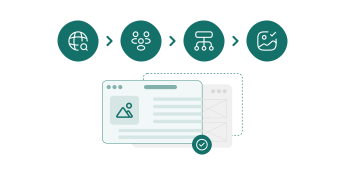
Our design process starts with user research, focus groups, and workflow analysis to understand how your teams actually work. From there, we build clean, accessible interfaces prototyped and validated across devices and user groups before anything goes live.
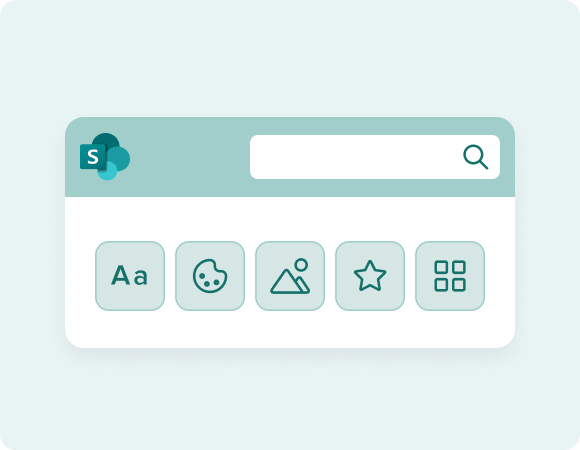
SharePoint Branding and Visual Identity

SharePoint Branding and Visual Identity

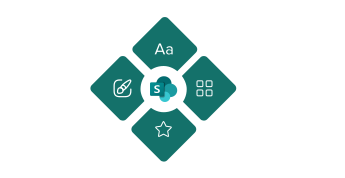
Branding is built to reflect your corporate identity while improving usability. Whether we're working from existing guidelines or establishing a new visual direction, every element is designed to reinforce trust and recognition.
SharePoint Site Architecture and Navigation Design

SharePoint Site Architecture and Navigation Design

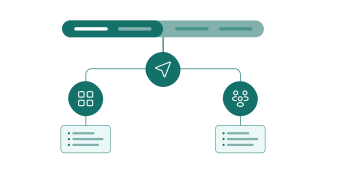
Following Microsoft's design guidance, we build site layouts, navigation structures, and templates that support wayfinding and stay consistent across hubs, team sites, and communication sites.
SharePoint Brand Center and Theme Management

SharePoint Brand Center and Theme Management

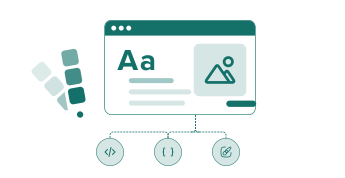
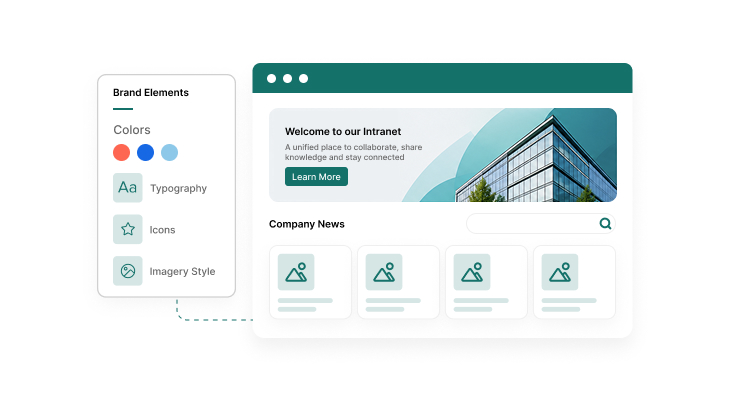
Microsoft's Brand Center centralises theme and asset management across SharePoint and the SharePoint app in Teams. We set up your brand assets, colour combinations, and governance rules there once, so every new site inherits the right look instead of drifting from it.
Custom Web Parts and SPFx Component Design

Custom Web Parts and SPFx Component Design

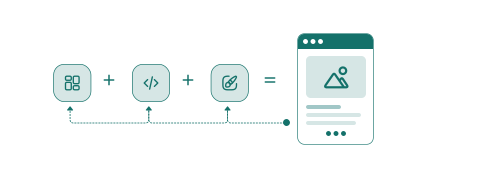
In Modern SharePoint environments, we design and build branded web parts and SPFx components that extend functionality while staying inside your design framework.
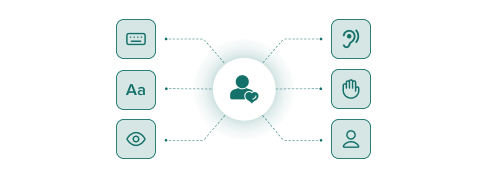
Accessibility and Compliance Design

Accessibility and Compliance Design

Interfaces are designed to meet recognised accessibility standards, including WCAG 2.1 AA where applicable, so the experience works for everyone using it.
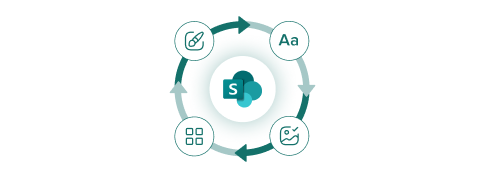
SharePoint Visual Refresh Readiness

SharePoint Visual Refresh Readiness

Microsoft continues to update SharePoint with changes to Fluent icons, header controls and search result layouts. We review your existing themes and custom components against the latest standards to keep your branding consistent and prevent issues during future platform updates.
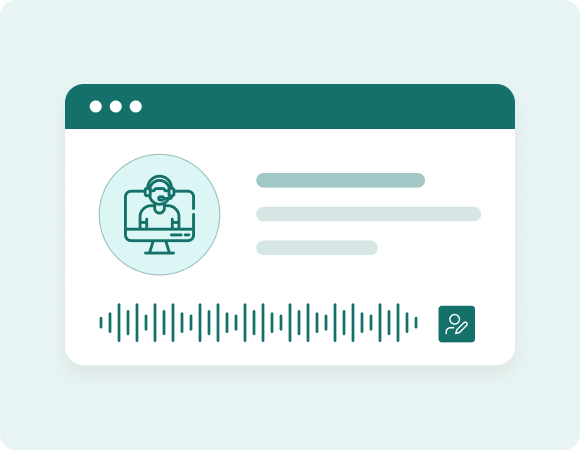
AI Generated SharePoint Design Review and Refinement

AI in SharePoint can generate site, page and list structures from a plain-language prompt. We review and refine the output for layout, hierarchy, branding and accessibility, so the final result feels considered and ready to use.

#000000

Branding for SharePoint Agents

When a site owner spins up a SharePoint Agent from a document library, it comes with a name, an icon, and a tone of voice to configure and those choices are the first thing a user notices before the agent says a word. We design that presentation layer so agents across your organisation feel consistent and recognisably yours, not like a generic default.

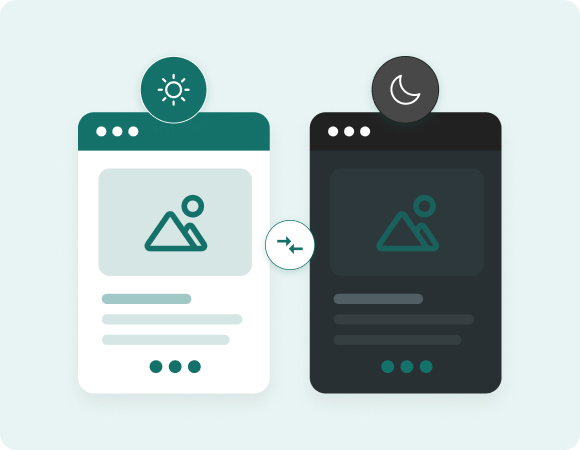
Dark Mode and Multi-Theme Design

Microsoft supports built-in dark themes for modern SharePoint sites, and more users are choosing dark mode each year. We design and test your branding in both light and dark so logos, contrast and imagery work well whichever theme a user selects, rather than relying on Microsoft’s out-of-the-box dark theme.
Dark Mode and Multi-Theme Design
Organisation Asset Library and Reusable Brand Components

Organisation Asset Library and Reusable Brand Components

Approved logos, icons, and colour themes stored centrally so every site owner in your organisation pulls the same assets instead of reinventing them. We set up and populate your organisation asset library so brand consistency doesn’t depend on someone remembering the right file.

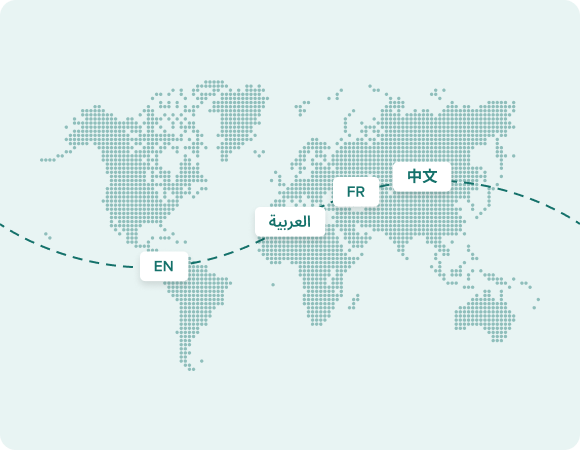
Multilingual and Global Brand Consistency

If your SharePoint environment spans regions or languages, branding has to hold together across all of them. We design templates and navigation that stay visually consistent whether a site is rendering in English, Arabic, or any other language your organisation supports.
Multilingual and Global Brand Consistency
Dark Mode and Multi-Theme Design

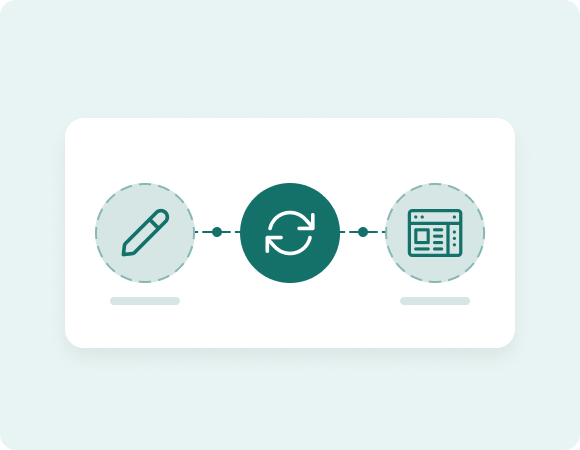
Branding Maintenance and Visual Updates

We keep brand consistency intact over time through ongoing design updates and refreshes as your business and Microsoft’s platform both keep changing.

How a Design Engagement Works With Us

Step 1

Discovery

We look at how your teams actually navigate SharePoint today, plus your existing brand guidelines.
Step 2

Design and Prototype

Wireframes and visual concepts, tested with real users before build.
Step 3

Build and Theme

Themes, web parts, and templates are built and deployed through the Brand Center or SPFx.
Step 4

Handover and Training

Your team gets documentation, or hands-on training, to manage updates without needing us for every small change.

Ready to Transform Your SharePoint Experience?

Talk to our UX/UI team about designing a SharePoint environment that works for your people and reflects your brand.

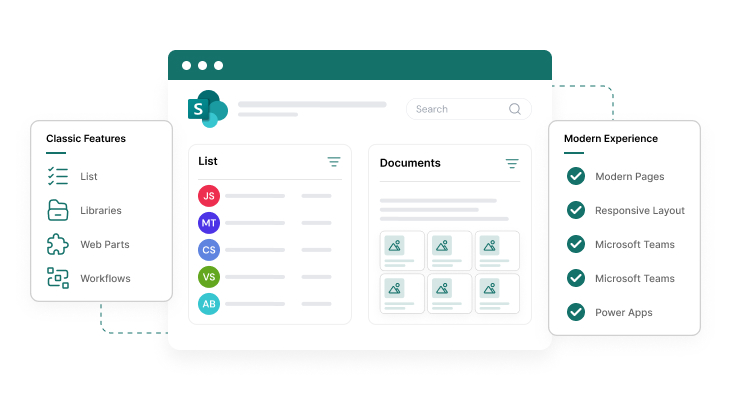
Customising SharePoint Solutions Across Classic and Modern Environments

Supporting and Upgrading Classic SharePoint Sites

Supporting and Upgrading Classic SharePoint Sites

Classic SharePoint still underpins many enterprise environments. We modernise legacy sites using responsive themes, updated master pages, CSS enhancements, and branding assets to improve engagement and consistency.
Supporting and Upgrading Classic SharePoint Sites

Designing Modern SharePoint Sites with Brand Alignment

Modern SharePoint is built for collaboration and responsiveness. We design layouts, themes, navigation, and web parts that bring brand alignment and clear structure to your digital workplace.

Extending SharePoint Branding Across Microsoft 365

Your digital workplace doesn’t end at SharePoint, and neither should your branding. We extend your design language across Microsoft Teams, embedded Power Apps, OneDrive, and Power BI, and into the SharePoint app in Teams that now carries your home site branding into every employee’s daily view. That keeps the experience consistent wherever people land.

Why Teams Choose Vsourz for SharePoint Design

Most agencies do web design or SharePoint development, rarely both to the depth this platform needs. Our team designs inside SharePoint's actual constraints (SPFx, Brand Center, adaptive cards, Fluent standards) instead of handing over visuals that break the moment they meet the platform. That means fewer redesign cycles and a brand that survives Microsoft's own updates.

Ready to Transform Your SharePoint Experience?

Talk to our UX/UI team about designing a SharePoint environment that works for your people and reflects your brand.

Frequently Asked Questions

Yes. We can work with your brand guidelines directly, or refine them to fit SharePoint’s structure and user experience standards.

Yes. We support branding across both Classic and Modern SharePoint environments.

Yes. Alongside branding, we can restructure your sites to make navigation clearer and easier for users.

Yes. We design for full responsiveness across desktops, tablets, and mobile.

Yes. Whether you’re building a new intranet or refreshing an existing one, we align branding, navigation, and page layouts across your digital workplace.

Most projects take between 6 and 12 weeks, covering discovery, prototyping and rollout. Timelines can vary depending on the project scope, complexity and review process.

Yes. We build branding frameworks that are simple to manage day to day, and provide training or documentation so your team can make updates confidently.

Our focus is UX/UI and branding, but we work alongside our development team for any custom application needs as part of a project.

Yes. We can source images and graphics while incorporating your logos, iconography, and colours.

We review existing themes and components against Microsoft’s updated design standards as part of ongoing maintenance, so changes on Microsoft’s side don’t quietly break your branding.

Often, yes, at least for a review pass. AI in SharePoint is genuinely good at getting you from a blank page to a working structure fast, but it doesn’t know your brand guidelines or accessibility requirements. We typically come in after the AI-generated draft to align it with your brand and clean up anything it missed.

Yes. We design templates and navigation patterns that stay consistent whether your sites are running in one language or several, across one region or many.